
n8n Chat
A mobile chat for your n8n workflows and AI agents. Write from your phone, the reply comes from the last node of the workflow.
Coming soon to Google Play

Chat with your workflow
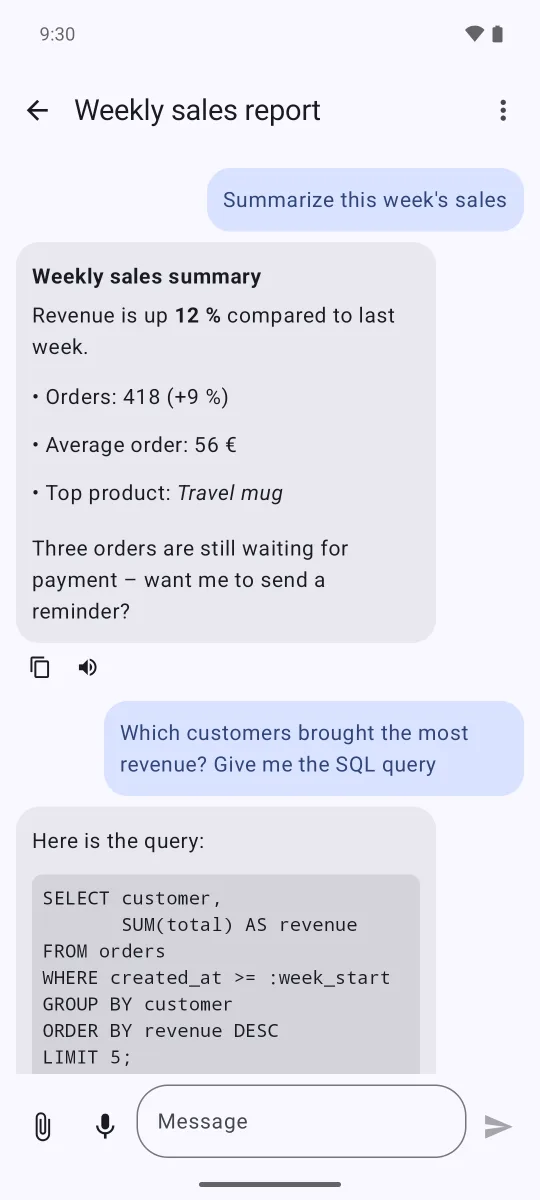
- Messages go straight to your n8n webhook, the reply comes from the last node.
- Replies are rendered with Markdown – lists, bold text, code.
- An image or PDF returned by the workflow is shown as an attachment.
- Replies stream in as they are generated and arrive even after you close the app – with a notification.
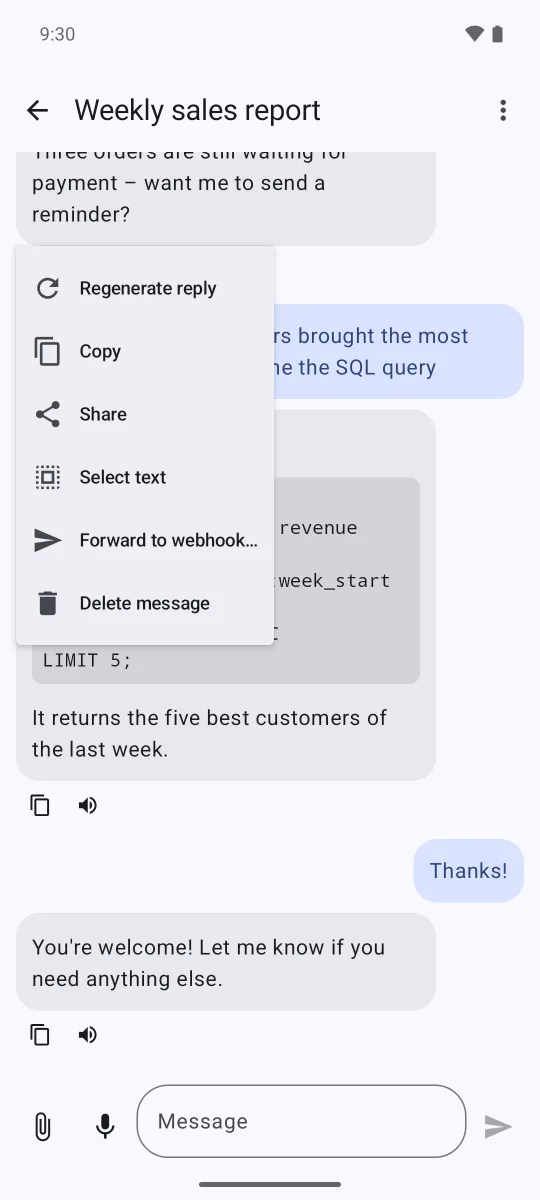
- Long-press a message to edit and resend it, regenerate the reply, forward it to another webhook or share it. Waiting for a reply can be stopped at any time.

Webhooks and sessions
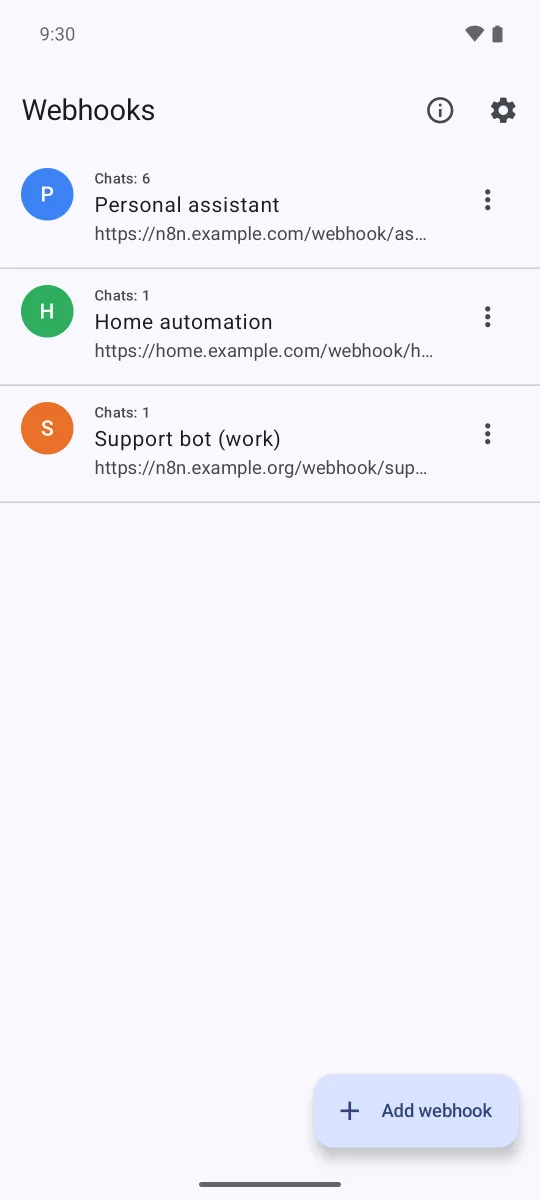
- Any number of n8n webhooks – each with its own color and order.
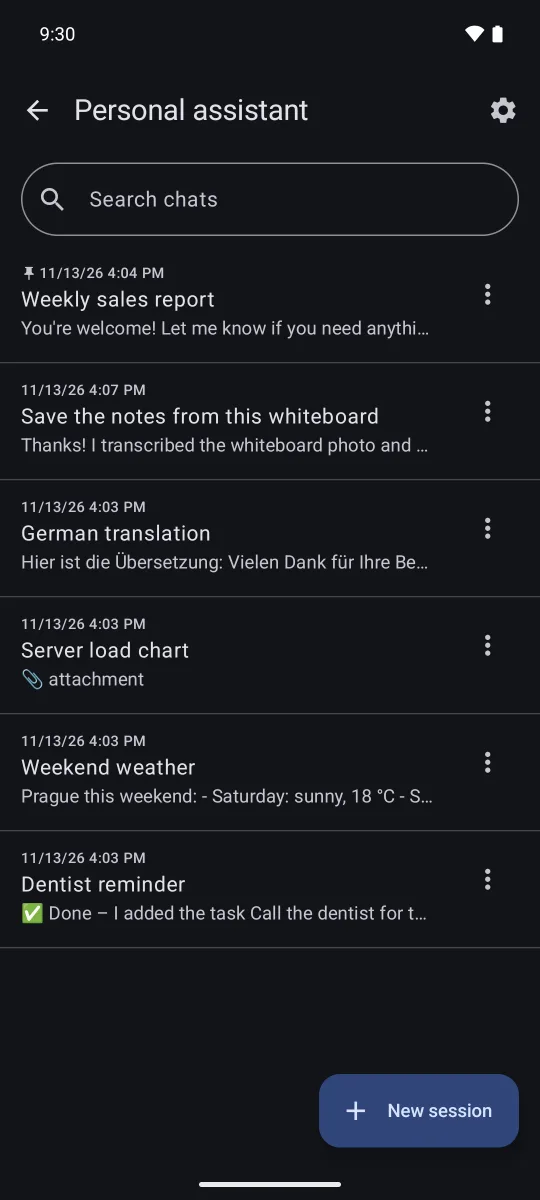
- Every chat is a separate session with its own ID – your AI agent keeps the context.
- Older chats stay with their history and can be searched, renamed and pinned.
- A home screen widget or shortcut opens a new session with one tap.

Security and privacy
- Basic, Header and JWT authentication or sign-in with your n8n account (n8n User Auth).
- Credentials and history are encrypted on the phone, traffic goes over HTTPS only.
- Optional app lock with fingerprint, face or screen lock – with a configurable timeout and hidden message previews.
- No accounts, ads or analytics – data goes only to your server.

Attachments, voice and sharing
- Send files and photos straight from the camera, the workflow receives them as binary data.
- Dictate messages by voice and have replies read aloud – or turn on hands-free mode and just talk.
- Share text or files from other apps directly into a chat – including text selected in another app.

Easy setup
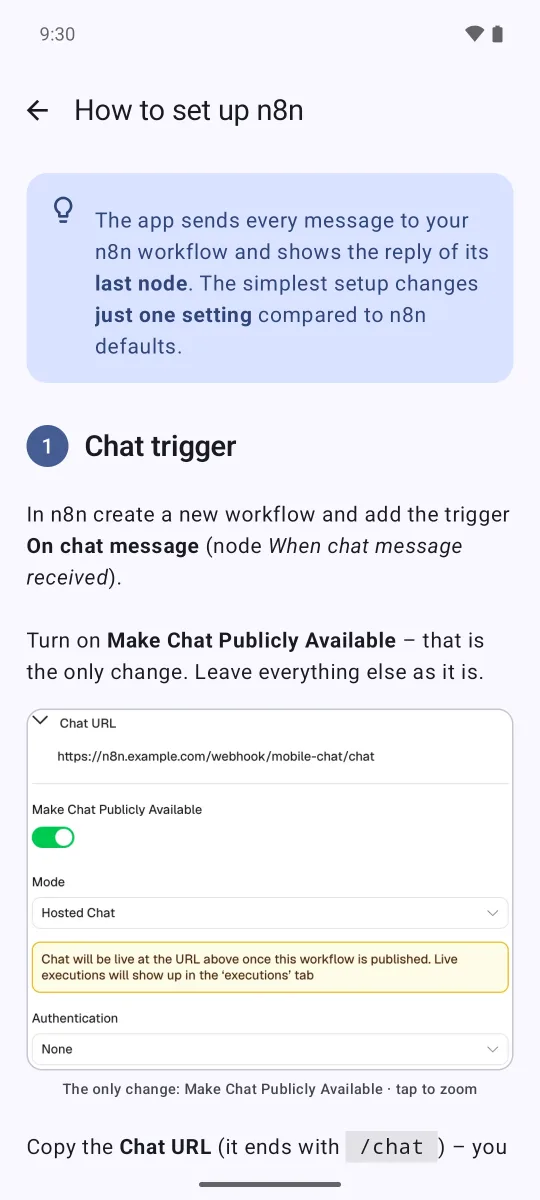
- n8n defaults with a single change are enough.
- A step-by-step guide with screenshots is built into the app.
- Advanced users can customise the request format and the response path.

8 languages, dark mode and tablets
- English, Czech, Chinese, German, Spanish, French, Polish and Slovak.
- Language follows the phone, or pick your own.
- Light and dark theme following your phone settings.
- On tablets the chat list and the conversation sit side by side.
Getting started
- In n8n add the trigger On chat message and turn on Make Chat Publicly Available. Copy the Chat URL.
- Connect an AI Agent with a model and Simple Memory – both with default settings – and publish the workflow.
- In the app add a webhook, paste the Chat URL and start chatting.
A detailed guide with screenshots, access protection and an advanced Webhook node setup is available in the app under the ⓘ icon.
Author
The app is made by Jan Kuthan – a senior developer, architect and team lead focused on web application development, practical use of AI and training. Questions and ideas are welcome on the Support page.